
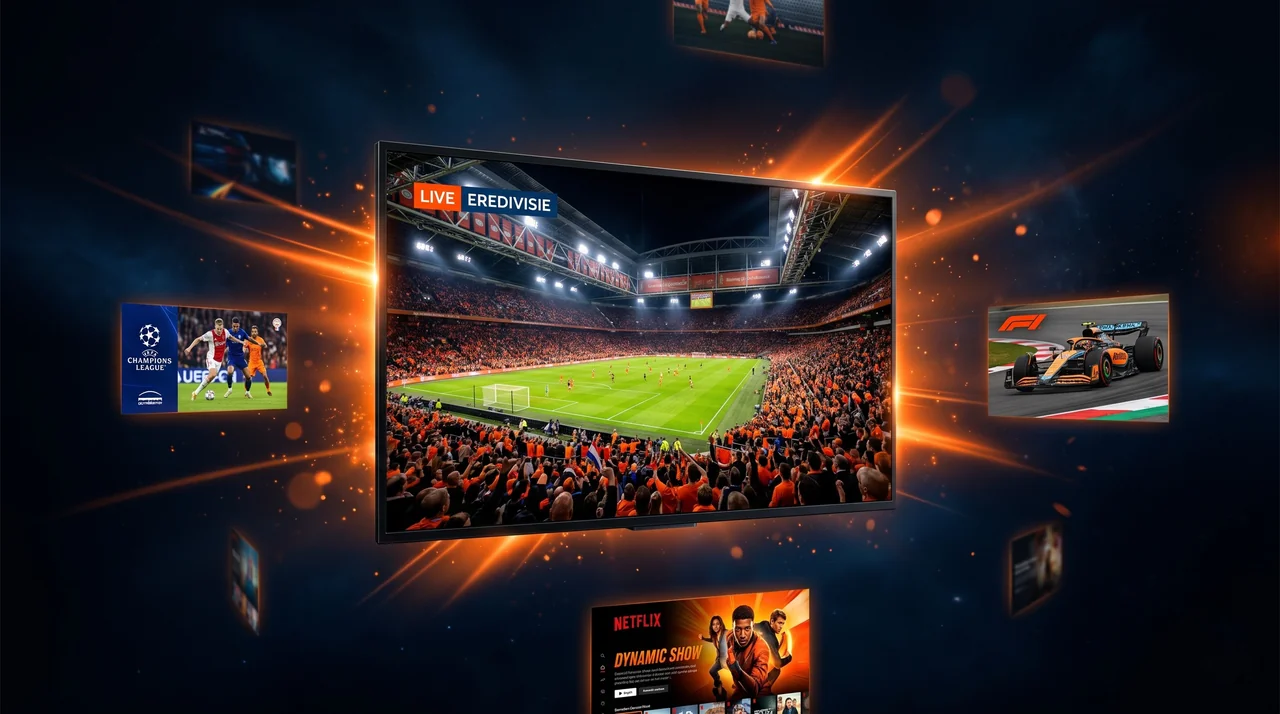
Setting up IPTV is easier than you think. In this step-by-step guide we show you how to install IPTV on the most popular devices in the USA — in under 5 minutes.
Amazon Firestick
Install “IPTV Smarters Pro” from the App Store, open the app, choose “Login with M3U URL” and enter the details you received by email. Done!
Roku & Smart TV
Search for an IPTV player in your device store, enter your M3U link, and enjoy 35,000+ channels in 4K.
Android & iOS
⚡ 4KCAST 24 Stunden kostenlos testen — Keine Kreditkarte erforderlich
Jetzt kostenlos testen →Download “IPTV Smarters Pro” (Android) or “GSE Smart IPTV” (iPhone/iPad), add your M3U link and you are ready to watch.
Need help?
Our 24/7 support team is happy to help via WhatsApp. See all setup guides or start a free trial.
